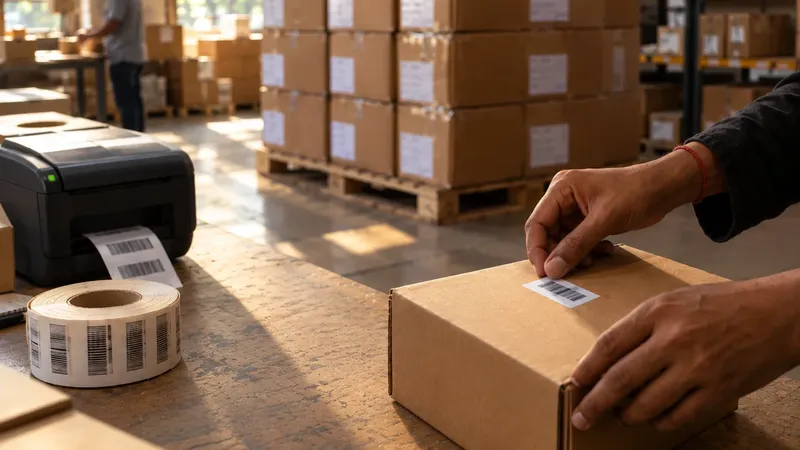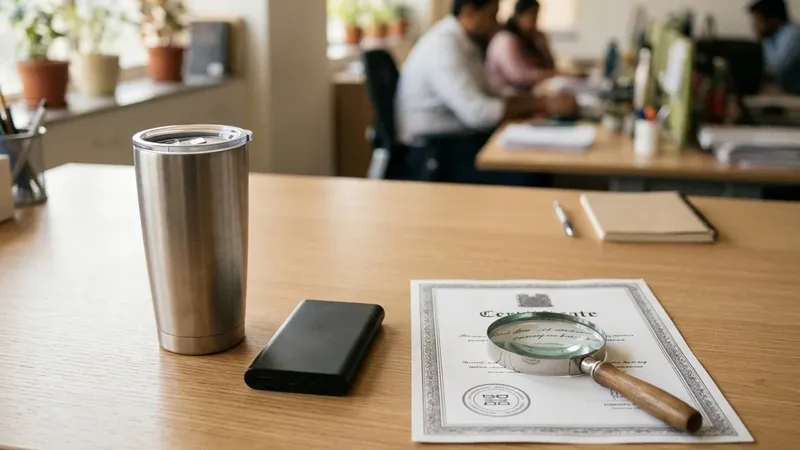
A few weeks after you start selling on Flipkart, other sellers appear on your listings, selling under your brand name. Say you run a skincare brand, and you already sell on Amazon with Brand Registry. When you started your first Flipkart listing in Seller Hub, your brand wasn’t in Flipkart’s list, so you requested brand approval and waited.
On Amazon, Brand Registry would have helped you here. On Flipkart, the tool is different, and it has one important condition.
This guide explains Flipkart’s two brand processes, brand approval and Brand Assure, and how they compare with Amazon Brand Registry.
Two different things with similar names
Brand approval happens in Seller Hub. It is Flipkart’s permission to list products under a brand name. You need it when your brand isn’t already in Seller Hub, and Flipkart says its Brand Regulation Team grants it.
Brand Assure is separate. It lives on Flipkart Brand Hub, and it is a protection programme for brand owners with a registered trademark. It lets them see who is selling their products, decide which sellers are allowed, and report listings that misuse the brand.
Don’t mix either of these up with the “Flipkart Assured” badge that shoppers see. That badge is about delivery and quality checks, and it has nothing to do with brand protection.
Getting brand approval in Seller Hub
In Seller Hub, go to Listings, then Add New Product, and choose your category. At the brand step, pick your brand if it is already there. If it isn’t, you request approval. Flipkart’s own guide to listing products walks through these steps. You can track your request in Seller Hub.
If your product has no brand, choose the “Generic” brand option instead.
Brand approval is not the only approval you may need. Some categories, such as jewellery, food and medical devices, need a separate category approval before you can list. And every new listing goes through Flipkart’s quality check before it goes live.
Flipkart does not publish a full list of documents for brand approval, or how long approval takes. What its seller terms do say is that Flipkart can ask for a brand authorisation letter or proof of trademark registration, and can suspend or block a seller who can’t show them. So keep your trademark papers ready. If you are selling another company’s brand, keep a brand authorisation letter from the brand owner ready too.
Brand Assure: protection for registered brands
This is where the condition comes in. Flipkart Brand Assure accepts only registered trademarks. Its FAQ is clear: if your trademark application is still pending, you can’t join yet.
To sign up, you need your trademark registration number, your GSTIN, and a brand authorisation letter if you are representing another company’s brand. Flipkart’s landing page also asks for your official brand website or documentation. You apply on Brand Hub with “Enrol Now”, and Flipkart says its team contacts you within 72 hours to finish onboarding.
Once you are in, you can:
- Approve the sellers who may sell your brand, and mark others as unauthorised. Flipkart checks each case before it acts.
- Report listings that misuse your trademark, copyright or design, and follow each report in a “Cases” section.
- See sales, traffic and conversion for your brand across all sellers, along with reviews and customer data.
Flipkart’s numbers show the scale. In its January 2026 announcement, Flipkart said Brand Assure had over 11,000 brands by December 2025. It also said that between October 2024 and October 2025, it acted on more than 10 million listings for counterfeit or policy problems and removed 13,000 sellers. Flipkart says it resolved over 53,000 intellectual property complaints, usually within two days.
Two things to know before you join. First, watching for misuse is your job. Flipkart’s terms make brand owners responsible for spotting and reporting problems. Second, sellers you report can reply with invoices or proof that they are authorised, so a report needs proper evidence. Flipkart’s Brand Hub pages don’t mention any fee.
If your trademark is still pending
Brand Assure won’t take you yet, but you are not without options. Flipkart’s seller terms give an email address for trademark complaints: infringement@flipkart.com. And the law can still protect an unregistered brand. In June 2026, the Delhi High Court gave interim relief to a clothing brand whose trademark application was still pending, against sellers who had attached themselves to its Flipkart listings.
The simplest protection is to file your trademark early, because registration takes time. In India, filing costs ₹4,500 per class online for individuals, startups and small businesses, and ₹9,000 for others. Our guide to Amazon Brand Registry explains the filing process with IP India.
How it compares with Amazon Brand Registry
| Amazon Brand Registry | Flipkart Brand Assure | |
|---|---|---|
| Trademark | Registered, or pending in some cases | Registered only |
| Fee | Free | Not stated |
| Brand printed on the product | Required, permanently | Not stated |
| Main control | Who can change your product pages | Who can sell your brand |
| Brand tools | A+ Content, Stores, Brand Analytics | Brand Stores (for brands Flipkart selects), sales analytics |
The biggest difference is in the “Main control” row. Amazon Brand Registry mainly protects your product pages: only you and sellers linked to your brand can change them. Brand Assure mainly controls who is allowed to sell your brand at all.
Where we come in
We handle brand approval and category approvals as part of Flipkart seller onboarding, and Brand Registry on Amazon. We have taken brands through these processes on both marketplaces, so we know which papers to prepare before you apply. That is part of our marketplace onboarding service, and our Flipkart page explains the rest of our Flipkart work.
Back to the skincare brand. The one document that decides whether you can protect your Flipkart listings is a registered trademark. Apply for it early, long before you need it.