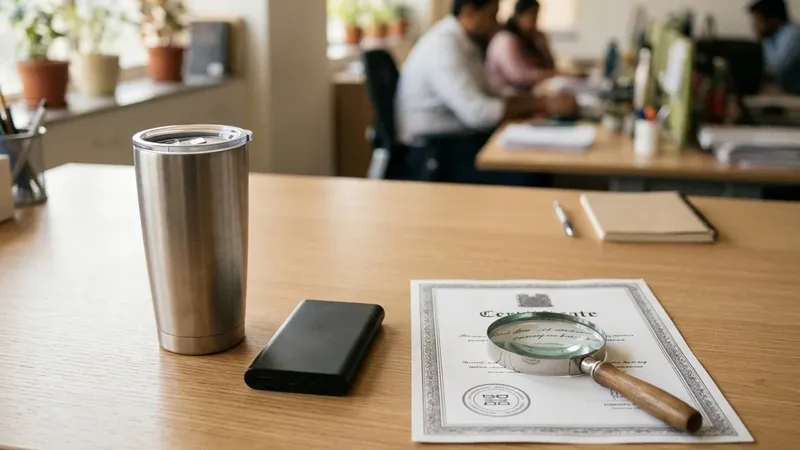
The power banks left on Amazon’s own pick-up. A few hundred of them, imported by an electronics brand we work with. We had scheduled everything. Amazon split the shipment three ways, to fulfilment centres in Delhi, Bengaluru and Mumbai, and for about a week the boxes were on the road.
They arrived. Amazon received them.
Then it rejected the lot.
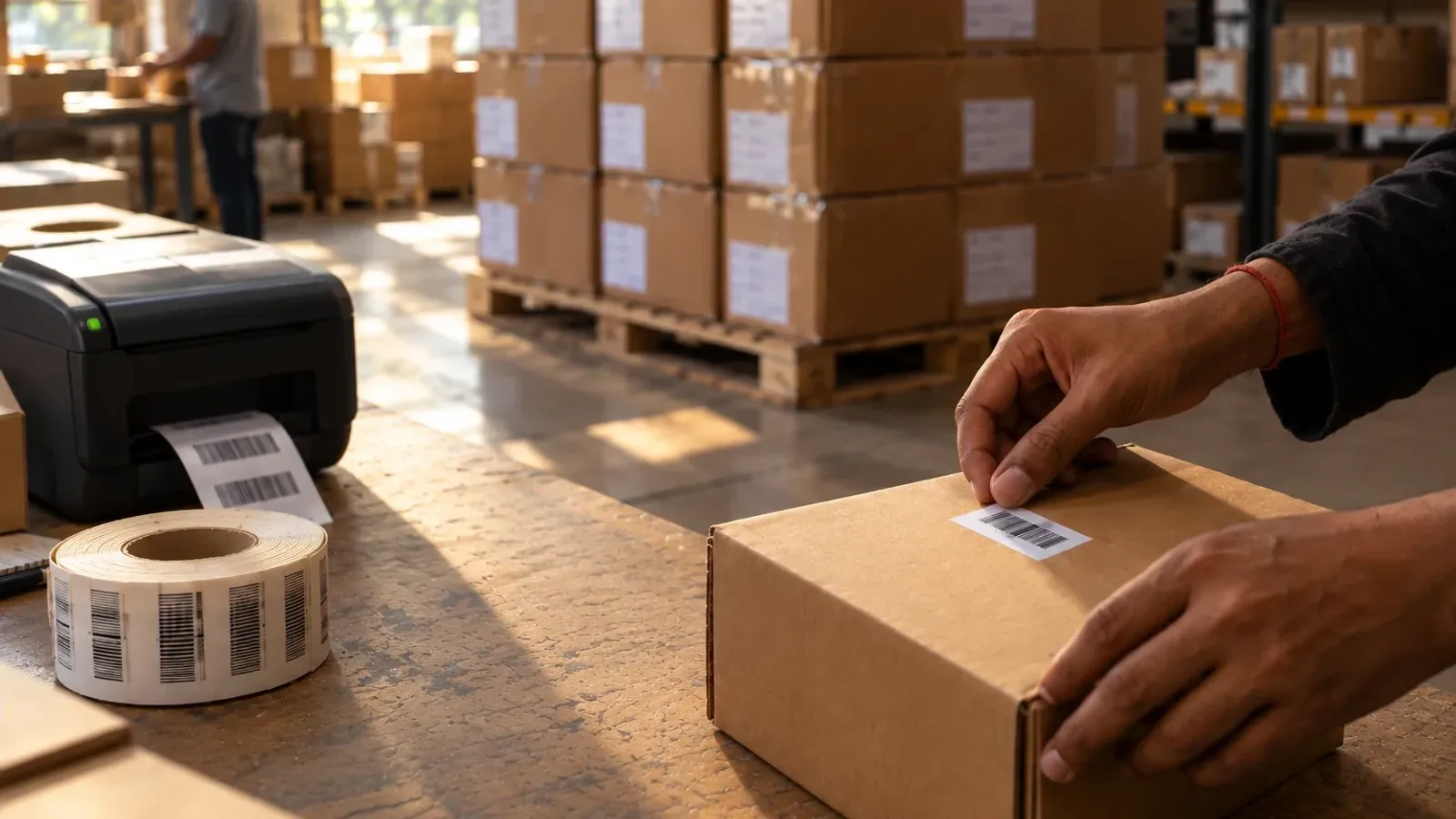
Every unit had Amazon’s barcode on it, the sticker a warehouse scans to know which product has come in. Not one had an MRP label. So everything came back. The brand paid freight to send it and freight to get it home, and lost at least a month in which it had stock and nothing to sell.
This is the checklist we wish that shipment had gone out with.
A warehouse only knows what it can scan
A fulfilment centre isn’t a shop. Nobody opens your carton to admire the product. It runs on scans and rules, and a unit that fails either one stops where it is.
Amazon’s help page on MRP labels doesn’t leave much room. Everything sent to a fulfilment centre has to carry the declarations the Legal Metrology Act asks for, MRP included. If it doesn’t, Amazon says it “may refuse to receive such products” or mark them unsellable as vendor damage. Ours were received first and rejected after.
Blinkit does it at the gate. A seller’s truck once waited almost six hours for its turn at a Blinkit warehouse, which isn’t as strange as it sounds: Blinkit’s own guide says unloading runs in queue order and usually takes three to four hours. When the turn came, the products had no barcodes. There was nothing to scan, so there was nothing to receive, and the shipment was turned away.
Different platforms, same lesson. The products were fine. The information on them wasn’t there.
What every unit needs
Start with what the power banks were missing. The Legal Metrology (Packaged Commodities) Rules want every retail pack sold in India to carry the name and address of the maker, packer or importer, what the product is, the net quantity, the month and year of manufacture, the MRP inclusive of all taxes, and a phone number and email for complaints. Imports add the importer’s name and address and the country of origin. Putting all this on your listing doesn’t count. The pack itself has to carry it.
If you import, get it on before the goods clear customs. Customs expects the labelling done before it releases goods for sale in India, and labels can be fixed in a customs bonded warehouse. An Amazon dock is the most expensive place to find out.
On Amazon, the MRP sits on one printed label on every unit, visible from the outside. Handwritten MRPs are refused. And never stick anything over an Indian MRP that’s already printed on the pack; the rules don’t allow an MRP to be covered or changed.
Then Amazon’s own barcode. In India, every unit except books needs an FNSKU, the Amazon barcode that starts with an X, printed from Seller Central. You can’t use the manufacturer’s barcode instead, and Brand Registry doesn’t change that. The FNSKU goes over any other barcode on the pack, so the scanner finds only one. It never goes over the MRP or the date panel, and on electronics never over a serial or IMEI number, or the unit can be logged as damaged.
Print FNSKUs on a thermal or laser printer. Amazon says outright not to use inkjet for its barcodes. Keep them flat, away from curves and corners, and put no tape over them.
Flipkart and Blinkit scan too, and they’re less forgiving than most sellers expect. Flipkart wants an EAN or its own FSN barcode on every unit. A unit with no barcode fails its quality check, and if scanning your EAN doesn’t bring up your product, the lot is rejected. Blinkit wants a scannable barcode on every item and lists an unscannable one among its clear grounds for rejection.
Where do barcodes come from? From GS1 India, the only body in India authorised to issue barcodes starting with 890. We see sellers buy cheap ones off websites to save a little money. Don’t. Amazon checks product IDs against GS1’s database and refuses barcodes from third parties, and if another listing ever claims your barcode, your GS1 papers are how you prove it’s yours.
New on Blinkit with nothing to print yet? Raise a Help & Support ticket and Blinkit can issue up to 20 UPC exemption codes, subject to approval. Treat them as Blinkit’s codes for Blinkit’s catalogue. For everything else, buy GS1 barcodes.
Food carries more, and first-time food sellers miss it often. The veg mark is a green filled circle in a green square. The non-veg mark is a brown filled triangle in a brown square; it was a circle until the 2020 regulations. Either one sits on the front, close to the product name. Add the FSSAI logo and licence number, the manufacturing date, the expiry or use-by date and a batch number.
Shelf life decides whether food gets in at all. Amazon’s grocery page asks for at least three months. Its fulfilment centres want more for anything used over time: enough days left to finish the whole pack, plus 90. Amazon’s own example is a supplement with 240 daily servings, which needs 330 days left when it arrives. Blinkit wants 70 to 75% of the shelf life remaining on perishables. For a new product we’d go further and send the longest shelf life you can get, because you don’t yet know how fast it will sell. And for food in FBA, add the fulfilment centre to your FSSAI licence as an additional place of business.
Some products can’t be sold at all without a BIS mark. Power banks are one, and we’ve watched that rule catch a seller right after the first sales. It needs a piece of its own: BIS certification on Amazon.
Boxes and paperwork
On Amazon’s pick-up, each box must weigh under 18 kg, because one person has to be able to lift it. Amazon’s page says no dimension can be larger than 70 × 70 × 45 cm. In practice we keep every side of a pick-up box within 45 cm. We’ve seen a seller pack everything into big cartons and then get stuck at the booking screen, because Seller Central wouldn’t accept the measurements for a pick-up. Use 5-ply corrugated cartons too; the pick-up won’t take open boxes or bags.
Every box gets its own box ID label from Seller Central. Never photocopy one or reuse it. It goes on a flat face, not across a seam, and a missing or unscannable box label is reason enough for Amazon to refuse the shipment. Clear tape over an A4 box label is fine, and Amazon recommends it. Brown tape across a barcode isn’t. Mark anything over 15 kg as heavy. For food, keep one expiry date per product in each carton, and on case packs show the expiry on the outer box and on every item inside.
Our own habit is to write what’s inside and how many on every carton, plainly, on the outside. Not the price. Amazon doesn’t want pricing on boxes, and the value is already on the paperwork inside.
The paperwork starts before the first box moves. Add the fulfilment centres you’ll ship to as additional places of business on your GST registration, and upload the proof in Seller Central within 30 days. (Our guide to selling your brand on Amazon has more on the set-up.) When you book Amazon’s pick-up, Seller Central prints the box labels, the delivery challan and, for shipments above ₹50,000, the e-way bill, which Amazon generates as the transporter. A copy of the challan, or of the tax invoice if you e-invoice, goes inside every box.
We also get the pick-up person to sign our copy of the challan, and we keep it. No Amazon rule asks for that. But when stock has gone missing on the way in, Amazon has asked us for exactly that: the delivery challan, signed at pick-up. So get it signed, every time. And make sure the carton count is on the challan or invoice, because without it Amazon won’t process a claim for boxes that never arrived.
Flipkart wants its fulfilment centre on your GST as a place of business too, and it checks that your stock transfer note and e-way bill match before it sends anyone for pickup. Blinkit hasn’t needed an APOB since September 2025, because you bill your stock to Blinkit instead. At its gate you hand over two copies of the tax invoice, the RO and the appointment pass, and the invoice has to show the RO number, barcodes, MRP and expiry dates.
Booking the trip
Amazon gives you a choice for every shipment. Send it with your own carrier, which needs an appointment at the fulfilment centre, or use Amazon’s pick-up, run by Amazon Transportation Services, which books the slot for you. Don’t do both. Booking a separate appointment for a pick-up shipment can get your pick-ups suspended, and with your own truck, a vehicle without a valid appointment isn’t unloaded.
Amazon may split one plan across several fulfilment centres, the way the power banks went to three cities. Pick-ups can be booked up to 21 days ahead, and transit runs from two to five days locally to five to eleven across the country. About a week, in our case.
Flipkart’s fulfilment is by invitation. Once you’re in, you create a consignment and choose drop-in with your own transporter, or pickup by Flipkart’s partner. Mark it Ready for Dispatch by 7 pm two days before pickup, or it drops back to draft. If the stock isn’t ready when the partner arrives, you pay for the wasted pickup.
Blinkit doesn’t collect at all. You raise a recommended order, book a slot and deliver it yourself or by courier. Driving it in? Arrive at least 30 minutes early with printed copies, and don’t leave without a proof of delivery signed and stamped by Blinkit. There’s more on ROs in our piece on Blinkit’s Seller Hub.
When it comes back anyway
If stock reaches Amazon without MRP, it can be turned away at the dock or received and marked unsellable. An Amazon staff member answered a seller in almost exactly our situation on the seller forum: FNSKU labels, no MRP, units moved to unsellable. The advice was to create a removal order, put an MRP label on every unit, and send it all in again as a new shipment.
Move quickly. Amazon holds unsellable stock for 30 days and may then dispose of it, and stock that broke its inventory rules isn’t covered by damage reimbursement. A removal order alone usually takes 10 to 14 business days, which is how a missing sticker turns into a lost month.
Blinkit raises a discrepancy note when it finds missing labels or bad barcodes, and after that nothing more can be received against that RO. Stock under a note has to be collected within 10 days, or it’s liquidated. Flipkart moves only the units that pass its checks into stock. The rest turn up in its warehouse unsellable inventory report.
The checklist
Print this and walk it past every pallet.
Every unit
- MRP inclusive of all taxes, printed, never handwritten, never stuck over an existing MRP
- Maker, packer or importer name and address, what the product is, net quantity, month and year of manufacture, and a consumer-care phone and email
- Imports: importer details and country of origin, on before customs clearance
- Amazon: one FNSKU from Seller Central, thermal or laser printed, over other barcodes but clear of the MRP, dates and serial numbers
- Flipkart and Blinkit: a barcode that scans (a GS1 EAN, Flipkart’s FSN or Blinkit’s exemption code)
- Food: veg or non-veg mark, FSSAI logo and licence number, manufacturing and expiry dates, batch number
- A BIS mark, if your product needs one
Every box
- Amazon pick-up: under 18 kg, 5-ply, every side within 45 cm (Amazon’s page allows up to 70 × 70 × 45 cm)
- Its own box ID label on a flat face, clear tape only
- Over 15 kg: marked heavy
- Food: one expiry date per product per carton
- What’s inside and how many, with no prices
Every shipment
- Fulfilment centres added to your GST (Amazon and Flipkart)
- The challan or tax invoice, a copy in every box, with the carton count on it
- Your own copy of the challan, signed at pick-up, kept safe
- An e-way bill above ₹50,000
- Blinkit: two copies of the invoice, the RO and the appointment pass
- A pick-up or an appointment, never both
Where we come in
No one can talk stock past a warehouse scanner, and we won’t pretend we can. What we can do is make sure there’s nothing for it to catch. We’ve onboarded and shipped for enough sellers to know exactly where first-timers get sent back.
We generate the Amazon unit labels and box labels from your Seller Central account and plan the shipment around them. If you need MRP labels, we design those too, with everything the law asks for. What we don’t do is stand in your warehouse with a roll of stickers. Someone on your team puts them on; our job is to make sure nothing is missing when they do. That’s our account management work, and if the pack itself needs redoing, our packaging design team takes that on.
A few hundred MRP labels would have kept those power banks on Amazon’s shelves instead of on the road. Check the stickers before the truck comes.