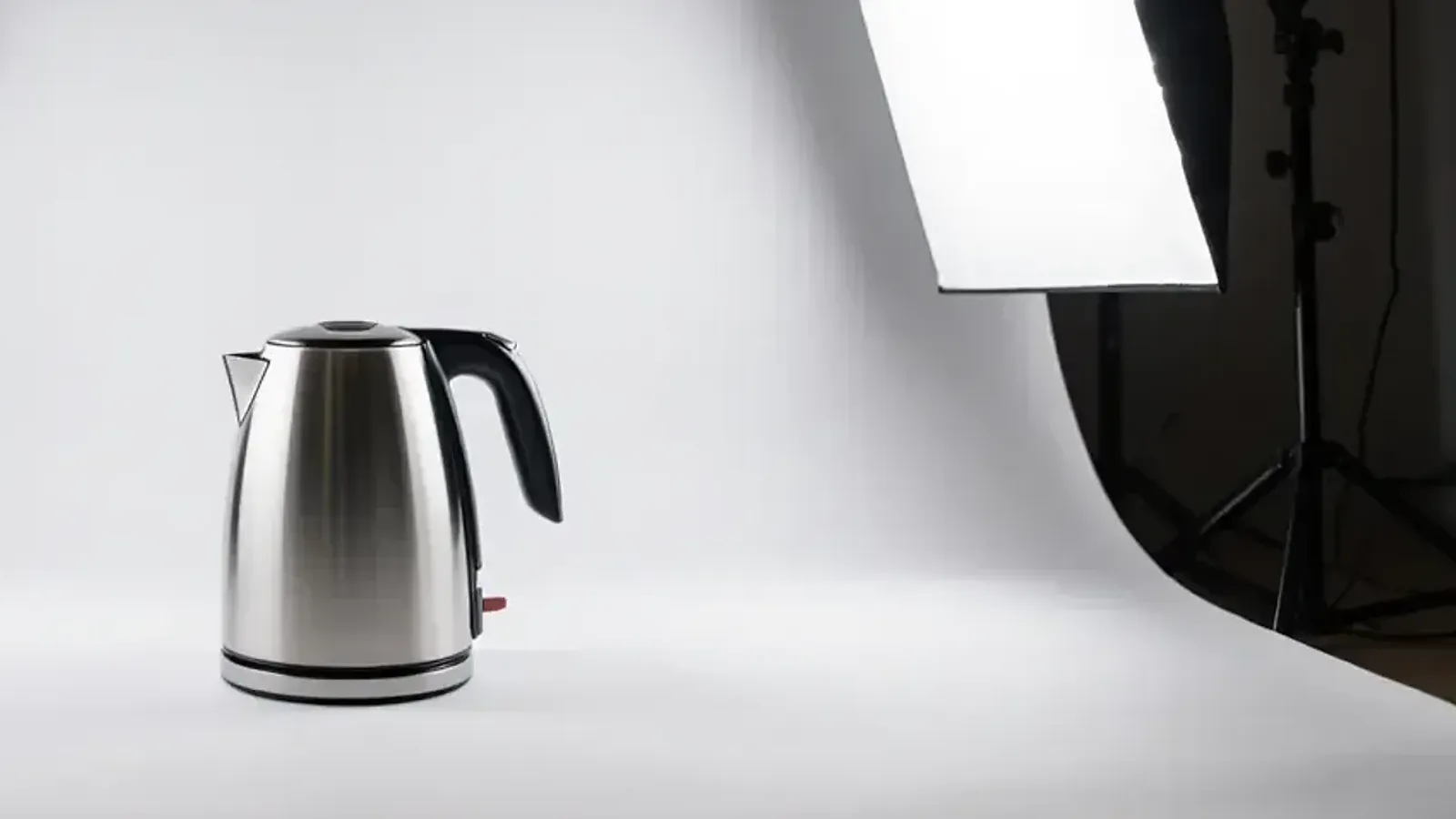
Say you list a new steel kettle on Amazon on Monday evening. On Tuesday morning, you search for it on Amazon, and it isn’t there. When you type its ASIN into the search box, the kettle does show up. But in Seller Central, the listing has been suppressed.
A suppressed listing is hidden from search and browse. Shoppers can still reach it if they have its ASIN, but almost nobody searches that way. So for most buyers, your product has disappeared.
There are several reasons Amazon suppresses a listing, and the main image is one of the first things to check. This guide covers Amazon.in’s image rules, where to find the problem in Seller Central, and how to fix it.
The main image rules
Amazon.in’s product image guide is strict about the first image, the one shoppers see in search:
- The background must be pure white. Amazon’s exact value is RGB 255, 255, 255, so off-white or light grey fails.
- The product should fill 85% of the image, with no part of it cut off.
- Show one unit, plus only the accessories that come in the box.
- No text, logos, borders, colour blocks or watermarks, on the product or in the background.
- No props that aren’t included, and no mannequin.
Sellers often miss a few details. A thin line or frame at the edge of the image counts as a non-white background. So do leftovers from removing the background, and a shadow that runs all the way to the edge. Images showing a seller’s phone number or other contact details are rejected too.
Some categories have their own rules. Adult clothing goes on a standing model. Footwear shows a single shoe, facing left, at an angle. A multipack is the opposite of the usual rule: its main image must show the full quantity, in its packaging. And only six product types may use a lifestyle photo as the main image: beds, bed frames, mattresses, rugs, rug pads and sofas.
The other images in your gallery are more flexible. They can have a background, show the product in use, or explain features. But no image may show customer reviews, star ratings, Amazon’s badges, or claims like “free shipping”. Claims about warranties, government approvals or offers are not allowed in any image either.
For files, JPEG works best. Amazon also takes TIFF, PNG and non-animated GIF. Make sure the images are large enough for shoppers to zoom in, and save JPEGs at the highest quality setting. Very small images can’t be uploaded at all.
Where to find the problem
Start with the listing itself. In Seller Central’s newer Manage Products page, open the Fix tab. In the older layout, go to Manage All Inventory and open “Activate listings”. Both show which listings are suppressed and why.
Amazon’s suppression messages are specific. For an image with a logo on it, the message reads: “Main image has text, logo, graphic or watermark. Submit a compliant image to lift the image suppression.” Other messages point to a non-white background, a missing image, extra items in the photo, a cropped product, or packaging. Amazon’s page on image suppression lists every message with its fix.
If the problem is the upload itself, open the Submission status page. Products that went through show “Image upload completed”. A red exclamation mark means there is a problem, and the “Content compliance issues” report has the details. Image Manager shows whether each image is Live or Not Live.
A few upload errors are worth knowing:
- “Image dimensions too small”: upload a larger file. Don’t just enlarge a small image, because Amazon asks you not to.
- “Authoritative image already exists”: Amazon already has a preferred image in that slot. Upload a different image that follows the rules.
- A duplicate upload: if you upload the same file again, Amazon may ignore it. Change the image first, for example by cropping it or exporting it again.
- “Main image and product ID do not match” (error 990003): your new main image shows a different product from the one Amazon has on file. After you correct it, Amazon’s catalogue team takes 24 to 48 hours to review it.
How to fix it
Replace a bad main image; don’t delete it. Amazon recommends replacing it, and you can do it from Image Manager. Then give it time. Amazon’s checks can take up to 24 hours, and a new image can take up to 24 hours to appear on the product page.
The image isn’t always the problem. Titles on Amazon.in must stay within 75 characters, including spaces. They can’t use characters like ! $ ? { }, or repeat any word more than twice. Once you fix a title, the suppression lifts on its own, usually within 24 to 48 hours. In categories like grocery, food, personal care, cleaning and pet supplies, a missing unit count (for price per unit) also gets a listing suppressed. If Amazon suspects a pricing error, it may make your offer inactive; you fix that in Pricing Health. And if your product sits in the wrong category, use the Category update tool.
New from 28 September: a check before you submit
Amazon.in has started checking main images while you create a listing, one product at a time. If the image has a non-white background, or text, logos or watermarks, you see an “Issue detected” message before you submit. In some cases Amazon offers a corrected version of the image, which you can accept or replace with your own.
There is also a “Fix later” option. Avoid it: it submits the listing with the faulty image, and Amazon may suppress it later. The feature is still being rolled out, so not every seller will see it yet.
When your image isn’t the one showing
Sometimes the listing is fine, but the photos on the page aren’t yours. When several sellers sell the same product, Amazon combines what they upload and chooses which images to show. Since July 2024, Amazon.in has said it gives priority to the brand owner’s images, and uses other sellers’ images only when a required image is missing. Even so, Amazon’s help pages say it may still choose images other than the ones you provided.
Image Manager tells you when the live image comes from another seller, but not which seller. If you are the brand owner, Brand Registry gives you the most control over your product pages. If you want an image changed on a page you don’t control, contact Selling Partner Support. For images, Amazon accepts only one kind of proof: a link to the manufacturer’s or brand’s website showing the correct image.
Where we come in
Most image rejections are avoidable before the photo is taken. We shoot product photography for Amazon, and the main image is always the first one we plan, because it has to follow Amazon’s rules and still stand out in search. Our cataloguing team keeps listings within Amazon’s image and quality rules, and when a listing is suppressed, finds the reason and fixes it.
Back to the kettle. A plain white background and a product that fills the frame would have kept it in search from the first day. Check the main image before you upload it, not after the listing disappears.