To sell on Zepto, you register your brand on Zepto’s brand portal. Zepto then decides whether to accept your brand. If it does, Zepto buys your stock against purchase orders, and you deliver that stock to its warehouses.
You’ll need your GST, PAN and bank details. You’ll also need papers that show you own the brand, or have the owner’s permission to sell it.
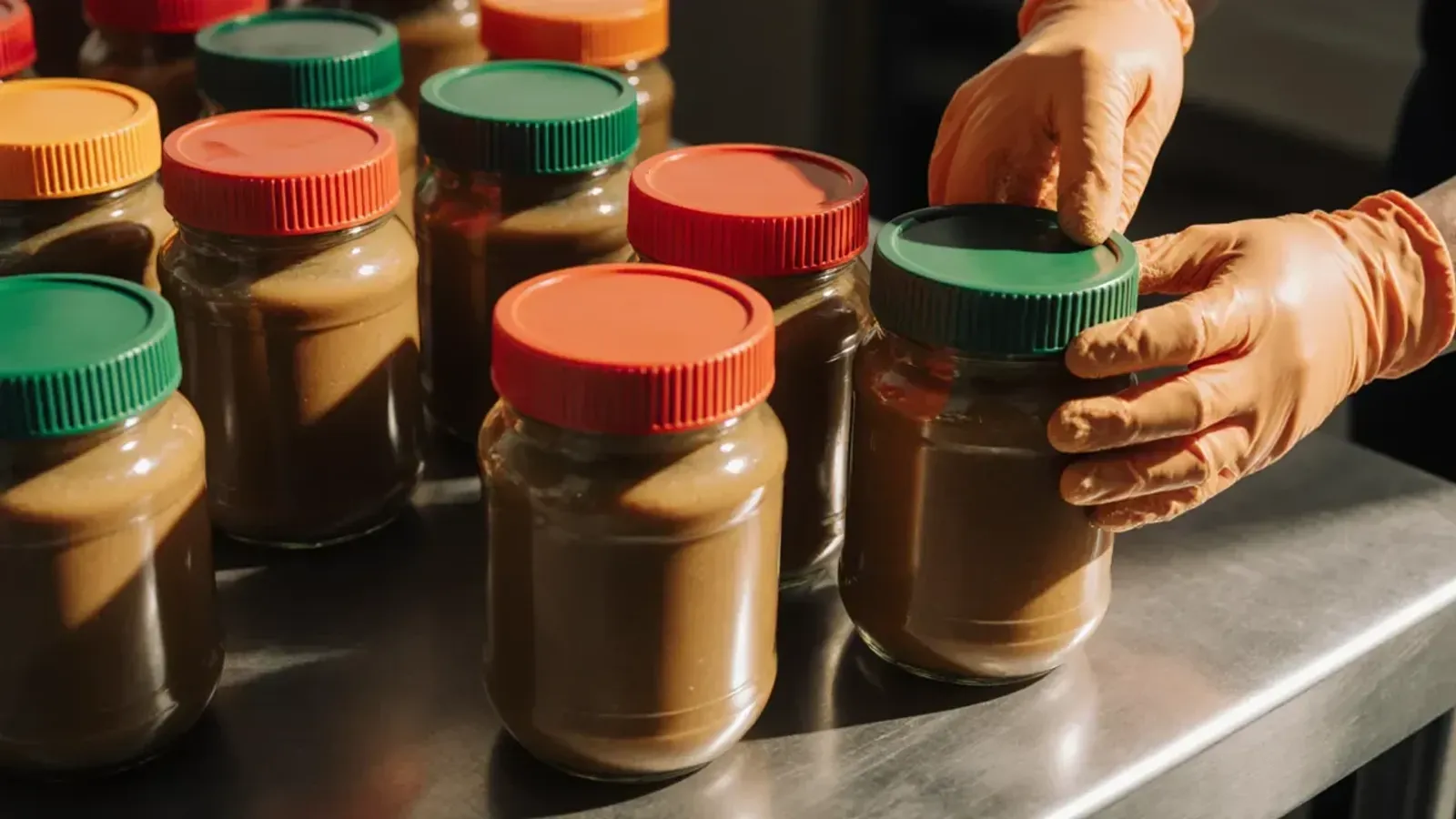
Say you make high-protein peanut butter in 350 g and 1 kg jars. It sells on your own website and on Amazon, and you want it on Zepto next.
How Zepto works for brands
On Zepto, your brand is a supplier. You don’t sell to shoppers, and you don’t ship their orders.
Zepto signs a contract with your brand and buys your stock. It then sells that stock to wholesalers and retailers.
Shoppers buy from merchant partners, the sellers listed on the Zepto app. Their orders go out from dark stores that Zepto runs.
Zepto explains this set-up in its updated draft prospectus for its IPO, dated 8 June 2026. The same document gives Zepto’s size on 31 March 2026: 1,139 dark stores in 66 cities, and 75 warehouses. Products from over 3,800 brands were on the app.
For your peanut butter, this means your terms with Zepto are in a contract, and Zepto doesn’t publish them. You also send stock only when Zepto sends a purchase order, not each time a shopper orders. So read the contract closely before you sign it.
Which brands Zepto accepts, and how long it takes
Zepto chooses its brands. Its FAQ for brands lists what it looks for: a wide enough range, good products and a clear reason to buy. Zepto calls that last one a “unique value proposition”.
If your brand meets Zepto’s selection criteria, Zepto says it can onboard you within 15 business days. During major sale events, it can take up to 45 days. Zepto doesn’t say how long it takes to decide whether your brand qualifies.
Two jar sizes of one flavour make a small range. Before you apply, list every product and pack size you can supply. If you plan more flavours, tell Zepto when they’ll be ready.
Documents for Zepto seller registration
Zepto’s FAQ and its brand portal terms name these documents and details. Have them ready before you start:
- your PAN card
- your GST certificate
- a cancelled cheque and your bank account details
- a copy of your authorised signatory’s signature
- your trademark certificate, or an authorisation letter or NOC on the brand owner’s letterhead
- your FSSAI licence or registration for food, and any other licence your products need
- your registered office address and an official email address
The authorised signatory is the person who signs for your business, such as the owner or a director. An NOC (no objection certificate) is the brand owner’s written permission for you to sell their brand. You need it, or an authorisation letter, if the trademark isn’t in your company’s name.
For your product listings, Zepto asks for your brand details, accurate product sizes and product images that meet its guidelines. For the peanut butter, measure and weigh each jar size. Then take clear photos of each jar.
If you sell food, check your FSSAI licence before you apply. Our guide to FSSAI rules for quick commerce explains which licence you need.
How to sell on Zepto: the sign-up steps
Go to brands.zepto.co.in and choose “Register Now”. You sign up with your phone number, a one-time password (OTP) and your email address.
The portal then takes you through these steps, named as they appear on screen:
- Lead and Getting Started: the first forms about your brand
- Contact Verification: you confirm your contact details
- KYC Details: your PAN, GST and other documents
- Vendor Information: your business details
- Bank Account: the account Zepto will pay into
- Preview: you check everything before you submit
- Contract Upload: you upload your signed contract
Scan every document before you start. Then you can upload each one as soon as a step asks for it.
After you’re in: listings, purchase orders and payments
Once Zepto onboards you, you work in the same brand portal. Zepto’s terms say some features are free: purchase orders, stock tracking, invoice submission and updates to your product details.
First, you list your products. You upload them with Zepto’s template, and the portal shows Zepto’s review of each SKU. A SKU is one product in one pack size, so the peanut butter has two.
The portal also checks your listings for quality and completeness. Fix anything it marks as missing before your first purchase order arrives.
Each delivery of stock then follows the same steps:
- Zepto sends a purchase order (PO) for a number of units of each SKU.
- You book a delivery against the PO in the portal.
- You create an ASN (advance shipment notification), your note of what’s on the truck. You add the product details and upload your invoice.
- Zepto’s warehouse receives the stock and records a GRN (goods receipt note), its record of what arrived.
- The portal shows the GRN and the payment against it.
Say the PO asks for 240 jars of the 350 g size. Send 240 jars, and make sure your ASN and invoice also say 240.
Zepto’s public pages don’t give its rules on shelf life or barcodes for the stock you deliver. Ask Zepto about both before your first purchase order.
You track your money in the portal’s payments section. Zepto’s terms say this section lists your invoices to Zepto, any returns and damages, and every payment.
The section also holds your debit and credit notes, and payment advice. Payment advice tells you which invoices each payment covers.
Zepto doesn’t publish how many days after delivery it pays brands. Your contract sets that. You pay to make the stock before Zepto pays you for it, so plan your cash for that gap.
Zepto seller commission and fees
Zepto doesn’t publish a commission chart or a margin for brands. Its prospectus says merchant partners, the sellers on its app, pay it commission. It doesn’t say brands do.
What you earn depends on the price you agree with Zepto for your stock.
Zepto’s brand portal terms, last updated on 3 September 2026, name the features it charges brands for:
- ads, in Zepto’s ads platform
- Brand Funded Discounts, a discount on your product that you pay for
- Zepto Atom, Zepto’s sales and market data, for a monthly fee
The terms name no fee for registering.
Zepto bills you with an invoice or a debit note, and adds GST. Unless your contract says otherwise, you have 21 days to pay a bill. For Zepto Atom, you have 7 days.
Zepto can also take what you owe it out of money it owes you. It must first give you 7 days, in writing, to pay. So an unpaid ads bill can come out of the money Zepto owes you for your stock.
Ask Zepto to list every fee in writing. Our guide to Zepto ads and Instamart ads explains how the ads work and how Zepto bills for them.
Selling on Zepto, Blinkit and Instamart together
Zepto’s contracts with brands are non-exclusive, so you can sell on Blinkit and Instamart too. All three apps ask for the same core documents. These are GST, PAN, bank details and brand papers, plus FSSAI for food.
But each app has its own route for brands.
Blinkit lets you register yourself on Seller Hub, list your products and ship your stock to Blinkit. Its seller page says Blinkit pays you every 15 days for delivered orders. Our guide to selling on Blinkit covers each step.
Swiggy Instamart has an “Onboard your brand” form on its partner page. Swiggy says Instamart’s move to owning stock starts in the middle of the October to December 2026 quarter. Our guide to selling on Swiggy Instamart explains what that means for brands.
Zepto chooses its brands, then buys their stock against purchase orders. If you want all three, prepare one set of documents and product details. Then follow each app’s own route.
Quick answers
Can I sell on Zepto without GST?
No. Zepto’s brand page says you register “with valid GST”, and its FAQ asks for your GST certificate. Our guide to selling online without GST explains where you can sell without it.
Can I sell on Zepto from home?
Zepto doesn’t mention home businesses. It asks every brand for a registered office address, GST and bank details. You must also deliver stock to Zepto’s warehouse for each purchase order.
If you make food at home, you still need FSSAI registration or a licence before you apply.
Where is the Zepto seller login?
Brands log in at brands.zepto.co.in, where they registered. Zepto calls it the Vendor Hub, the Vendor Portal and the Brand Portal in different places. These are all names for the same portal.
Is there a Zepto seller app?
Zepto Brand Hub, on Android and iPhone, is for brands already on Zepto. Its Play Store listing describes it as a view of your brand’s performance and analytics. You register on the website.
Can I sell on Zepto Café?
Not by listing your products. Merchant partners run Zepto Café in kitchen areas inside Zepto’s dark stores. Outside suppliers provide the ingredients, equipment and ready-to-cook items, under contracts with Zepto.
Is there a Zepto seller customer care number?
Zepto’s brand pages don’t list a phone number. Once you’re onboarded, raise a ticket under Partner Support in the brand portal.
Where we come in
Zepto chooses its brands, and no agency can change that. But we onboard and list brands on Zepto, Blinkit and Instamart, so we know where first-timers get stuck. Often it’s a trademark in someone else’s name, or invoices that don’t match the purchase order.
We can prepare your documents, product details and images, and fill in each step with you. Everything stays in your own Zepto account, and you keep the login. See our Zepto page and our onboarding service.