From this quarter, a short delivery to a Blinkit warehouse can cost you your seller tier. Say you make roasted makhana in Darbhanga and sell four flavours on Blinkit through Seller Hub. It is the first week of October, and festive orders are climbing. So you create bigger ROs than usual. An RO is the order you create in Seller Hub to send stock to a Blinkit warehouse. Then your packaging supplier is a week late, and only part of the stock goes out.
Until September, a short delivery like that cost you some sales. Now it can cost more. Blinkit has written to sellers that fill rate is now part of its quarterly tier check, starting with the quarter that began on 1 October 2026.
Here is what changed, what fill rate means, and what we would do before Diwali.
What changed on 1 October
Blinkit’s email to sellers lists three changes:
| Change | What Blinkit says |
|---|---|
| Fill rate now counts towards your tier | Iron, Bronze and Silver need a fill rate of 80% or more. Gold and Platinum need 90% or more. |
| No listing limits | There is no tier-based limit on how many products you can list. |
| Trial: up to 30 products at a time | You can have up to 30 products in trial at once. When a product leaves trial, its place goes to your next product. |
Fill rate is added to the other measures. It does not replace them. Blinkit’s Seller Hub guide says your tier is set every quarter from your sales in the previous quarter, how many of your payout cycles came out positive after deductions, and the share of complaints caused by the seller. To move up, you now need the fill rate as well as all the other measures.
The tier you earn in one quarter applies to the next. So your work from October to December decides your tier for January to March. Blinkit links tiers to your payout cycles, listing activation fees and the account help you get.
What fill rate means
Blinkit defines fill rate as “the total GRN quantity received against the total RO quantity ordered”, across all your ROs in the quarter.
In plain words:
- The RO quantity is your promise. When you create an RO, you choose the products, the quantity of each (within the minimum and maximum Blinkit suggests) and the date your shipment will arrive.
- The GRN quantity is what arrived. GRN stands for goods received note. It is what the warehouse records as received.
So fill rate is the share of your own promise that reached Blinkit’s warehouses, counted over the whole quarter.
Back to the makhana. Say that from October to December you create ROs for 3,000 packs, and the warehouses record 2,580 packs as received. Your fill rate is 86%. That is enough for Iron, Bronze or Silver, but not for Gold or Platinum, which need 90%.
Two details are easy to miss. First, Blinkit suggests a range, but you type the number, so every unit you put on an RO is a unit you are measured on. Second, the formula counts every RO in the quarter. As we read it, an RO that expires without a delivery still adds to the quantity ordered, and adds nothing to the quantity received.
The festive pause
A second email from Blinkit matters just as much this quarter. Because of the festive season and how full its warehouses are:
- New product activation has been paused since 31 August 2026.
- Creating ROs for products in Trial, Retrial or Launch Awaited has been paused since 10 September 2026.
- You can still raise new product requests, but activation, cluster selection and shipments stay paused.
- Products at Levels 1 to 4 can still be sent to warehouses and dispatched as usual.
- Normal activation and trial ROs restart on 10 November 2026.
So until 10 November, most of your ROs will be for products that are already past trial. And the 30-product trial limit starts to matter on 10 November, when activations restart and new products waiting in the queue can move again.
The 30 trial places
Trial is the first stage for a new product. Before you list, you choose a primary cluster: one Blinkit warehouse and its 10 to 15 best-performing dark stores. Trial starts when your stock reaches that warehouse.
Each level is reviewed after 30 days, against three tests: daily sales per dark store at or above the average, seller-caused complaints at or below Blinkit’s limit, and the product available in at least half of the eligible stores. A product moves up only if it passes all three. Blinkit discontinues products only at the trial stage.
With a cap of 30, every trial place is worth planning. A product that sells slowly holds a place until it leaves trial, and your next launch waits. For a brand with a long list of new flavours or sizes, the order in which they go into trial is now a real decision.
What we would do this quarter
Create ROs only for stock you can deliver. For the makhana brand, that means stock that is already packed, or certain to be ready by the arrival date you choose. A bigger RO doesn’t help if the stock isn’t there.
Act early if production slips. Don’t let an RO run past its date without stock. Raise a ticket through Help & Support before the arrival date and ask what your options are.
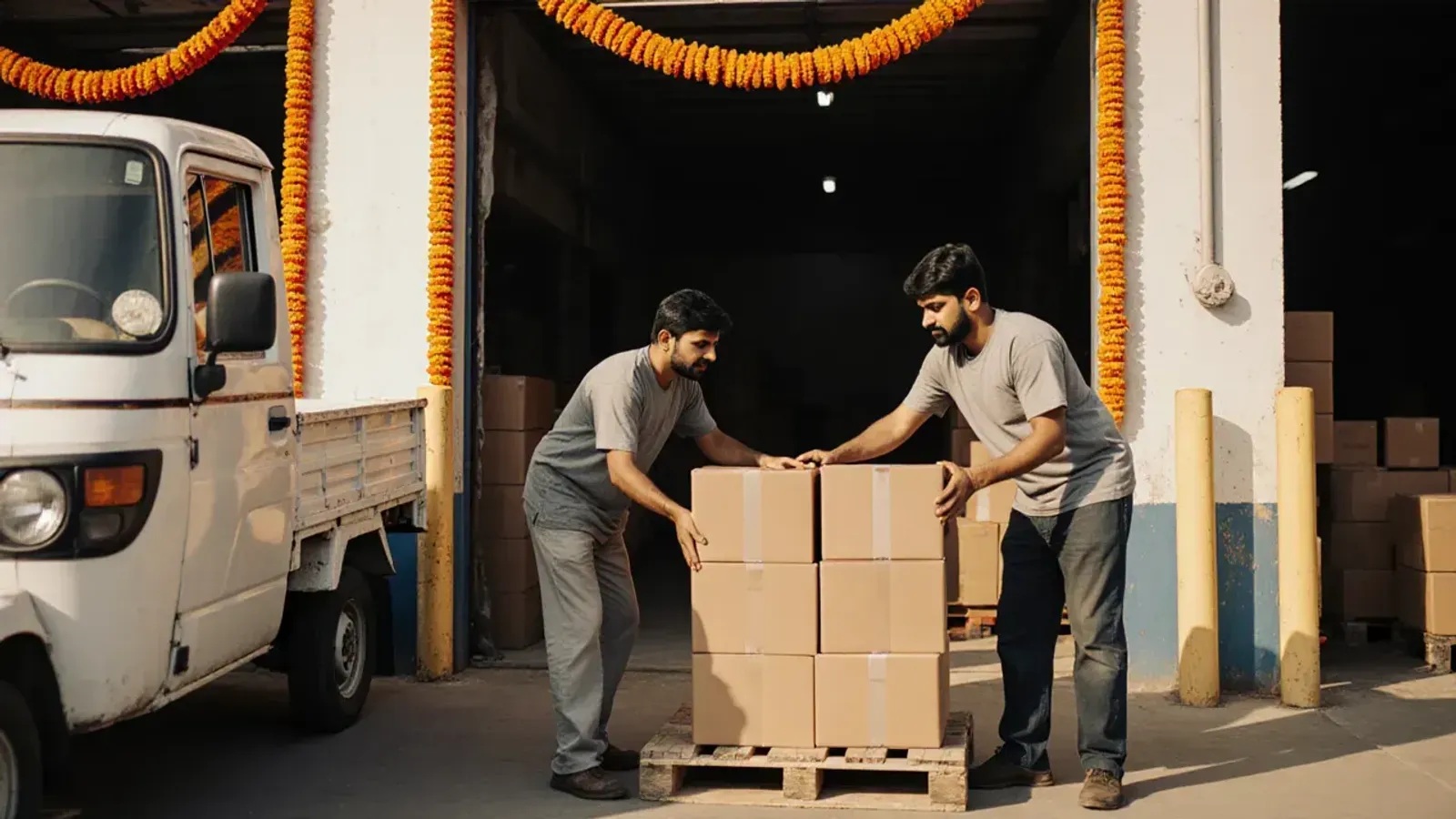
Make sure the warehouse can accept every unit. A unit the warehouse can’t receive won’t be on the GRN. Check that:
- every unit has its barcode;
- the MRP on the pack matches the MRP in Seller Hub;
- you carry printed copies of the invoice and the RO;
- if you deliver yourself, you arrive at least 30 minutes before your slot.
For food, the location you ship from needs a valid FSSAI licence.
Watch the number every week. The Inventory tab in Seller Hub shows your scheduled, unscheduled and expired ROs, with fill rate details. Don’t wait for the end of December to find out.
Plan your trial queue for 10 November. Decide which new products go first: the ones most likely to pass the sales, complaints and availability tests. Then send enough stock to keep them available.
Two other Blinkit changes this year are worth knowing:
- For Iron and Bronze sellers, each new product request needs ₹25,000 added to your Blinkit Ads wallet. It is held until the request is approved, and then it works as ad credit for a year. Silver, Gold and Platinum sellers don’t pay it, according to the tier table in Blinkit’s Seller Hub Guide.
- Since 1 September 2025, you no longer need an additional place of business in each state. Your stock is billed to Blinkit and shipped to its warehouses at a landing price.
Our guides to selling on Blinkit and to Blinkit’s support contacts cover the rest of Seller Hub.
Where we come in
We onboard brands on Blinkit and run their Seller Hub accounts, so we know where fill rate slips. It slips when ROs are created for stock that isn’t ready, when barcodes and MRPs don’t match at the warehouse, when delivery slots are missed, and when new products wait for trial with no plan.
We can plan your ROs against your real stock, track your fill rate every week, prepare products and listings for trial, and handle the tickets. Everything runs in your own Seller Hub account, and you keep the login. See our account management service.
No agency can change your tier for you. Blinkit sets it from your own numbers. But this quarter the number you control most directly is the one you type into each RO. If you do one thing this week, open your October ROs and check each one against the stock you actually have.