Fourteen days. That’s how long you have to file a Flipkart SPF claim, counted from the day a return reaches you. File it in Seller Hub with a photo of the shipping label and at least three photos of the problem.
SPF is Flipkart’s Seller Protection Fund. It covers a buyer’s return that comes back damaged, wrong, used or not at all.
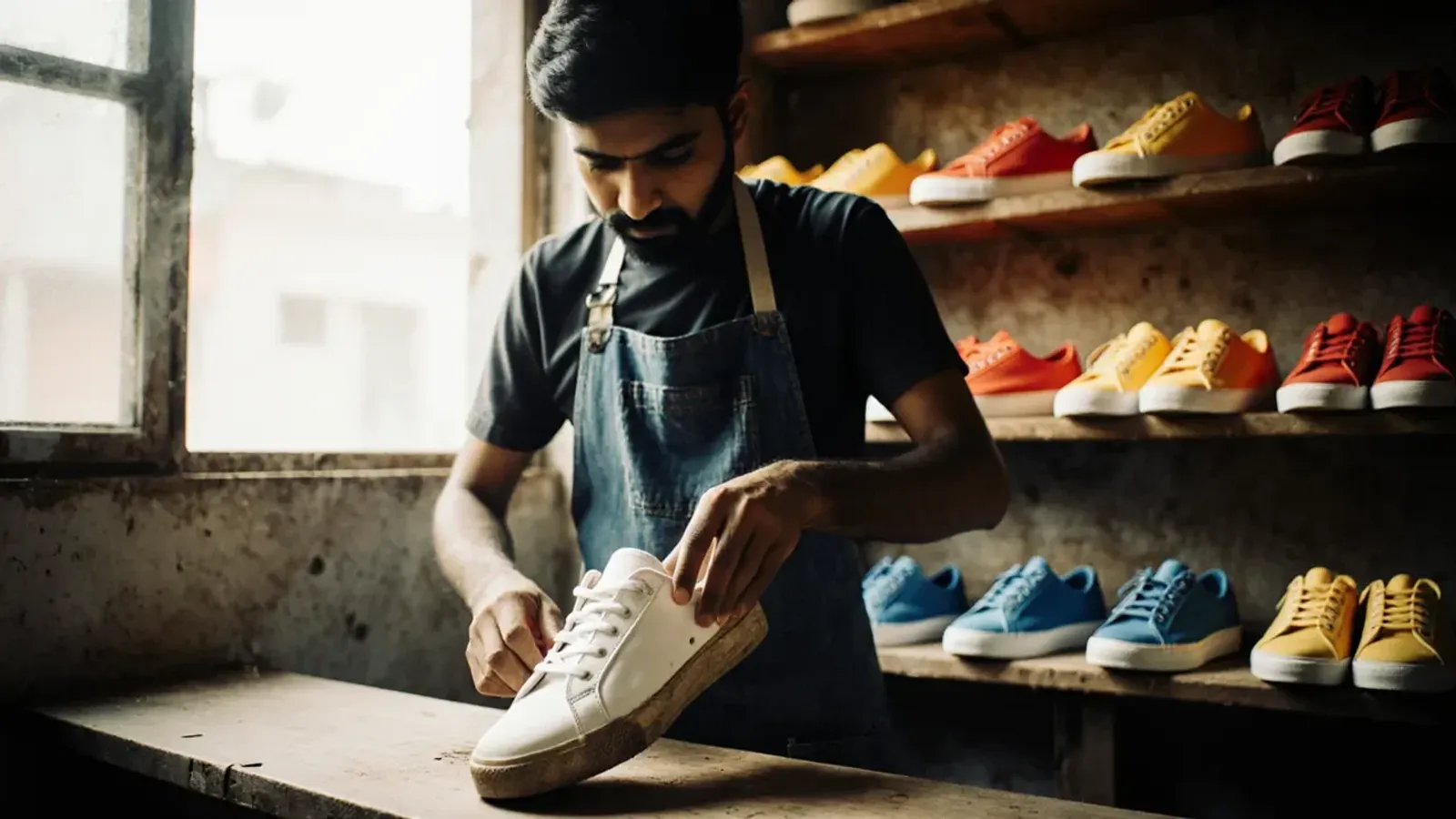
Say you sell sneakers on Flipkart at a selling price of ₹1,499. A pair comes back after Diwali. Inside, you find a worn pair from another brand. Without a claim, you’ve lost the sale and the shoes.
Flipkart keeps its full SPF claim policy inside Seller Hub. It also explains the rules in videos and webinars for sellers. This guide comes from those, and from Flipkart’s seller terms, as of November 2026.
What SPF covers on Flipkart
Flipkart’s seller FAQ says you can get money back when a returned product comes back damaged or missing. In its August 2026 webinar on SPF claims, Flipkart’s team listed four cases:
- a return that comes back damaged
- a wrong return, with a different product inside, which Flipkart calls a mis-shipment
- a return with the product, or a part of it, missing
- a return lost on its way back to you
A used product counts too. Flipkart’s team said you can claim SPF when a return comes back used.
Some lost returns need no claim at all. When the courier can’t trace a return, Flipkart sends it for SPF itself. These claims show as Auto approved on your SPF dashboard, under Payments in Seller Hub.
SPF doesn’t promise your selling price. Flipkart’s team said it decides each amount from the condition of the return and the type of damage.
A return also costs you more than the product. Flipkart’s seller terms let it recover the return shipping cost from you. Our guide to Flipkart payouts explains the fees that come out of each payment.
Sell on Amazon too? Amazon calls its version SAFE-T, and our SAFE-T guide covers it. On Flipkart, claim every return that fits one of the cases above.
The 14-day window
Flipkart gives you 14 days from the day a return reaches you. After that, the return can’t get SPF, however clear your proof.
Festive orders keep coming back as returns for weeks after Diwali, on 8 November. Open every return on the day it arrives, even in those busy weeks.
Two kinds of return get a longer window.
Some returns show the status Do Not Expect Physical Delivery in Seller Hub. The return won’t come back to you, but you can still claim SPF.
Flipkart allows more than 14 days for these. In its August 2026 webinar, its team said 60 days.
A return may also still be missing 30 days after Flipkart approved the return. You can claim SPF for that too.
File both kinds from the Help Centre. Click Help, then My Help Centre, then Returns and SPF, then SPF related queries. Choose the question that matches your case, and follow its steps.
For several orders at once, download the Excel format on the same page. One file takes up to 15 order item IDs. Type a single quote before each ID, so Excel keeps every digit.
At your door: count, check, then share the code
Flipkart says it won’t process SPF for a return you rejected at your door. So accept single returns, even ones that look wrong. Then record the problem before the delivery executive leaves.
Since March 2026, Flipkart has added checks to the return handover. It calls them Safe Returns.
They start with a pair of one-time codes, the Start OTC and the End OTC. The codes work on returns that Ekart, Flipkart’s own courier, delivers.
When an Ekart delivery executive brings your returns:
- Keep the Returns tab in Seller Hub open. It shows the returns expected today.
- Generate the Start OTC, and give it to the executive. They then scan each return in front of you.
- Count the parcels in your hands. Compare that with the scanned count in Seller Hub.
- If a parcel looks damaged or opened, ask for Open Box Delivery (see below).
- If you find a damaged or wrong product, check that the executive records the reason on their device.
- Share the End OTC only when the two counts match.
Flipkart also runs a version with only the End OTC. The rule stays the same: share it only when the counts match. If you don’t see the Return OTC in Seller Hub, raise a ticket with Seller Support to switch it on.
Returns sometimes arrive in a bulk bag with a high-security seal. Each seal has a serial number, which you can see on your returns screen. If the seal won’t scan, or looks broken, Flipkart says to refuse the bag.
Ask Flipkart to open a return at your door
Open Box Delivery means the delivery executive opens a return in front of you. They photograph what’s inside, and the photos appear in Seller Hub. Flipkart’s team says those photos then support your SPF claim.
It starts on its own when a serialised packaging bag doesn’t match on return. More on those bags below. You can also ask for it:
- In Seller Hub, go to Orders, then Returns.
- Click Request Open Box Delivery.
- Scan or enter the return’s tracking ID, and click Request Inspection.
Ask after the executive has scanned the return, while they’re still at your door. Once you’ve shared the End OTC, you can’t ask.
Each seller gets a daily quota of requests. A request that finds a real problem doesn’t use it up, but one that finds the product intact does.
So save your requests for costly returns, and for parcels that look wrong.
Flipkart is adding these requests hub by hub, so you may not have them yet. If your Returns tab shows Request Open Box Delivery, you have it.
How to file a Flipkart SPF claim
Here’s how to file a return claim in Seller Hub, as Flipkart’s August 2026 webinar shows it:
- Go to Payments, then Seller Protection Fund, your SPF dashboard.
- Click Raise New SPF Claim.
- Enter the order item ID, the order ID or the tracking ID.
- Select the product, and click Proceed to raise claim.
- Upload a photo of the shipping label.
- Choose the affected area of the product, and the issue type.
- Upload at least three photos of the problem, each from a different angle.
- Describe the problem, and click Submit claim.
Eligible returns in the Returns section of Seller Hub also show a Claim SPF button. You can start a claim from there too.
For the sneakers, photograph:
- the shipping label, with every detail readable
- the outer packaging and the shoebox
- both shoes, from every side
- the other brand’s logo, close up
- any damage, close up
Film the unboxing too. Flipkart’s own SPF video asks for clear photos and videos that show the logos and the damage.
Flipkart takes about six days to decide. Track each claim on the SPF dashboard.
Watch the Awaiting seller response tab, where Flipkart puts claims that need more from you. If you don’t reply, Flipkart closes the claim for no response.
Why Flipkart SPF claims get rejected
Flipkart’s videos and seller terms give these reasons:
- You filed after the 14 days.
- A photo was unclear, or the shipping label photo was missing.
- Flipkart asked for more proof, and you didn’t reply.
- You rejected the return at your door.
- You shared the End OTC before the counts matched. Or the executive didn’t record the problem.
- Your packaging broke Flipkart’s packaging guidelines. Its seller terms say these items can’t get SPF.
- You joined serialised packaging, then shipped some orders in other packaging.
- You don’t use VMS, Flipkart’s camera system for packing desks. Its video says VMS is now mandatory for SPF.
- The shipping label faded on the way, and Flipkart couldn’t trace the parcel.
Check the reason on your SPF dashboard before you do anything else. Then fix it for the next claim, as well as this one.
Reopen a claim within 7 days
You can reopen a claim once, within 7 days of it closing. Do it if Flipkart rejected the claim, or paid less than you expected.
On the SPF dashboard, click Search claim. Enter the claim ID, the order ID or the order item ID. Click Open claim again, add your proof, and submit.
Add what was missing the first time: a readable label photo, more angles, or the Open Box Delivery photos. You only get one more try, so send everything.
Before the next order ships
Proof starts when you pack the order. Flipkart’s newer tools help you show what you packed, and what came back.
Pack in Flipkart’s serialised packaging. Each bag carries its own serial barcode. At pickup, the executive scans the shipping label first, then the bag.
On a return, the executive scans both again. If they don’t match, Open Box Delivery starts automatically.
It’s for parcels that aren’t large, sent through Ekart in plastic flyers. Buy it in Seller Hub. Go to Orders, then Active Orders, then To Accept, then Use Flipkart Packaging. Order with your registered email ID or phone number, so you can claim the GST input tax credit.
To join, raise a ticket in Seller Hub. Attach the tax invoice from an authorised vendor, no older than 7 days, and a clear photo of the packaging.
Once you’ve joined, use it for every order. Flipkart warns that other packaging can block SPF and bring penalties.
Add a Tag Loop to fashion and lifestyle products. A Tag Loop is Flipkart’s security tag, with an 11-character code. You enter the code when you accept the order, then attach that tag to the product.
When the buyer returns it, the executive checks the tag at pickup. If it’s missing, damaged or different, Flipkart doesn’t take the return from the buyer.
Pack under a camera. Flipkart’s Video Management System, or VMS, records your packing desk. Scanning each shipping label links the video to that order.
Flipkart uses the footage to decide mis-shipment and SPF claims. Its VMS video says VMS is now mandatory to stay eligible for SPF.
You need a Windows computer, a USB or IP camera, a barcode scanner and steady internet. Fix the camera 2 to 3 feet above the desk. Write to fkvms_support@flipkart.com for your login.
Print labels on a thermal printer. Flipkart’s team says labels printed on A4 paper can fade on the way. Then Flipkart may not be able to trace the parcel.
Set these up before your next sale. Then each return starts with proof already in Flipkart’s system.
Where we come in
We onboard and manage sellers on Flipkart and Amazon, and returns are part of that work every day. So we know where first-time sellers lose SPF money. It’s a return opened on day 15, an End OTC shared before the count, or a label photo nobody took.
Your team packs under the camera, and we file each SPF claim inside the window. We reopen it when the payout looks low, and follow it until it closes. It all happens in your own Seller Hub, as part of our account management work, and you keep the login.